
Configuring payment methods on Breeze from client
Payment methods supported by Breeze
We support four payment methods for payments:
- Apple Pay
- Google Pay
- Manual Card Payment
- Crypto
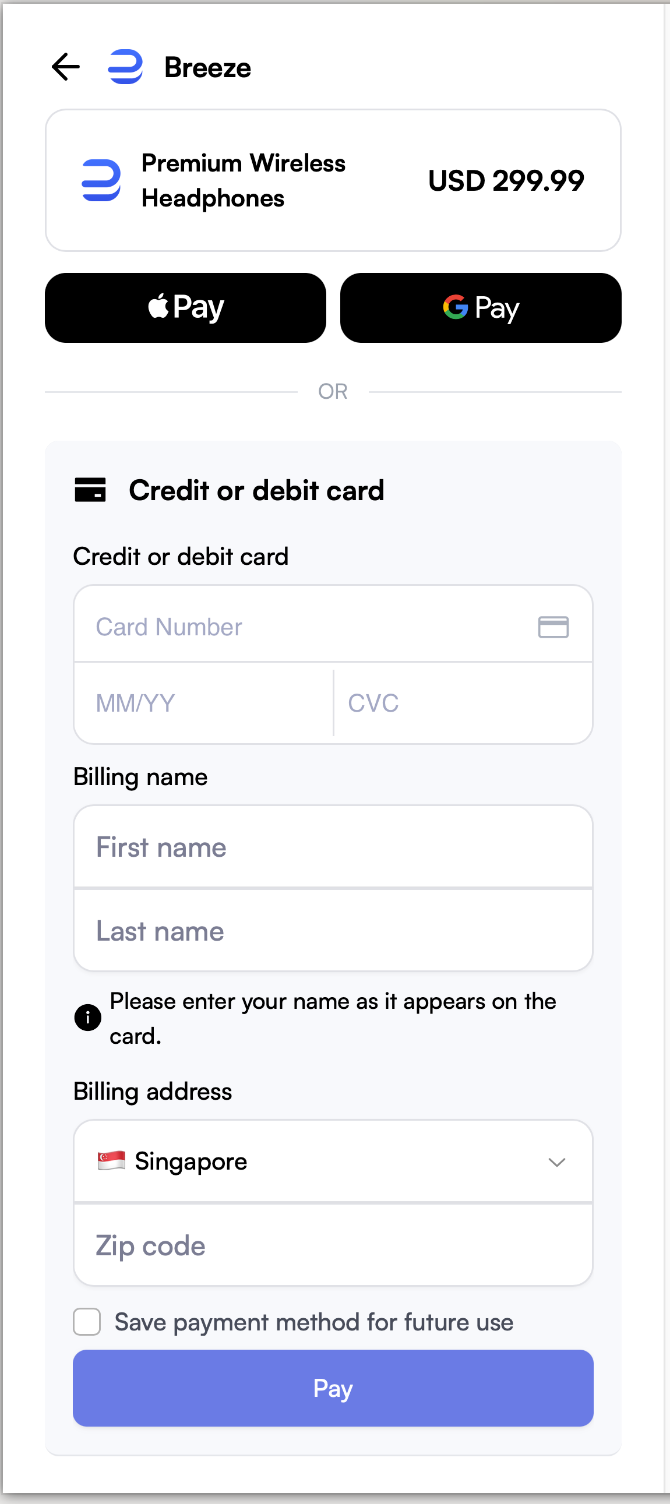
Specifying a preferred payment method on Breeze
You can control which payment methods are shown by adding the URL parameter preferred_payment_methods to the Breeze checkout link.
For example, after creating a payment page, the returned URL is:
pay.breeze.cash/page_xxx/pcs_xxx/web
If you want to allow Apple Pay only, append:
?preferred_payment_methods=apple_pay
Final redirection URL:
pay.breeze.cash/page_xxx/pcs_xxx/web?preferred_payment_methods=apple_pay
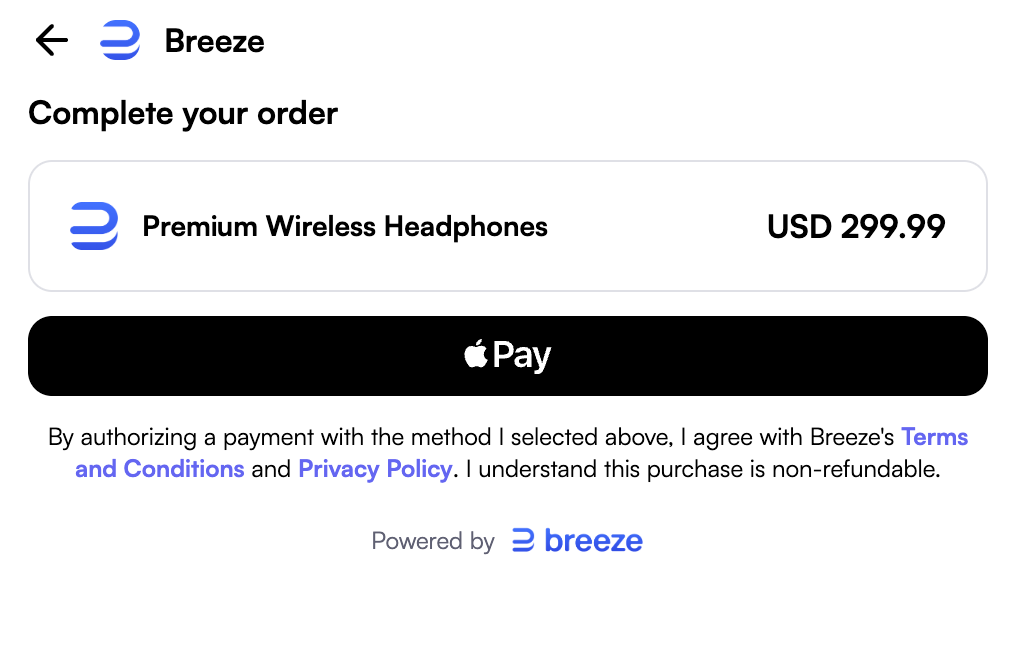
Enum values for specifying payment methods
- Apple Pay:
apple_pay - Google Pay:
google_pay - Card (Manual Card Payment):
card - Crypto :
crypto
You can also specify multiple payment methods by joining values with commas:
?preferred_payment_methods=apple_pay,card (This will show Manual Card Payment and Apple Pay)
Scenarios where Apple Pay is not supported
Apple Pay is supported in the following scenarios:
- Any browser on iPhone
- Safari on macOS
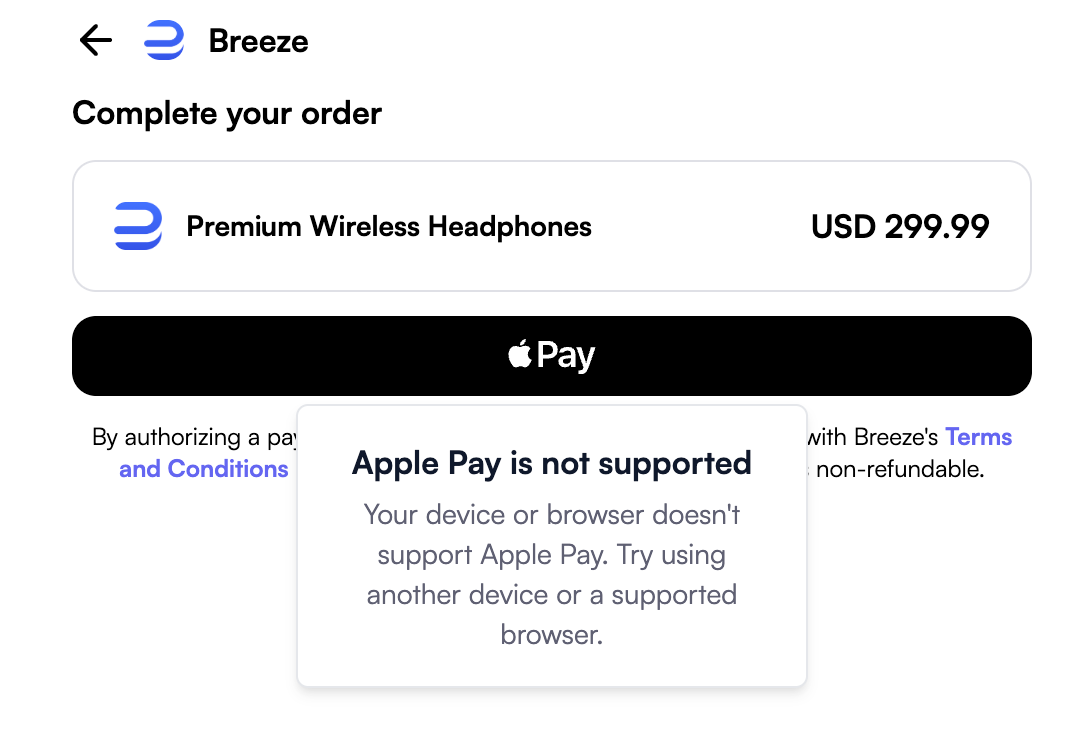
In some cases, even if the parameter includes apple_pay, the user’s browser may not support it.
In that case, we will show “Apple Pay is not supported” and guide the user to choose a different payment method.
Updated 13 days ago