
Customised UI for Payment pages
Breeze lets you customize the Payment Page UI based on the context, whether it's an in-app purchase or a standard web checkout, giving you flexibility and maximising conversions.
In-App Purchase UI (iap)
iap)For in-app purchases, Breeze provides a native-first UI that matches the look and feel of your game or app, delivering a seamless experience for your users. Apple Pay is the default payment method—it's fast, smooth, and fully optimized for mobiles and native flows.
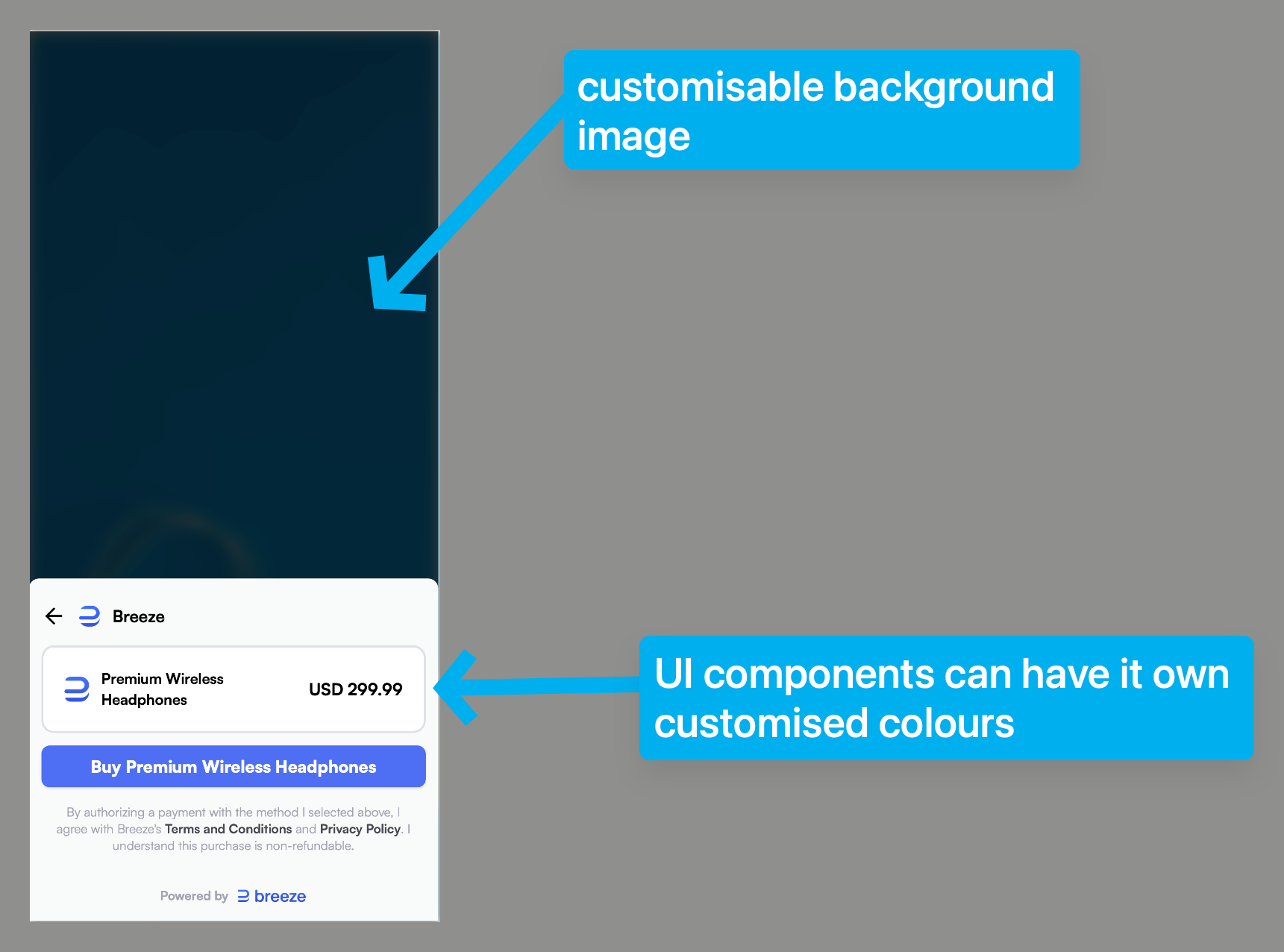
For the customised background image, you can use a screenshot of the app's checkout page to give the user a more native experience
Web-Based Purchase UI (web)
web)If you're building for the browser, the Breeze web checkout supports multiple payment methods and is fully configurable. Easily adjust available options to fit your brand and your customers’ needs. See how to customize methods here.
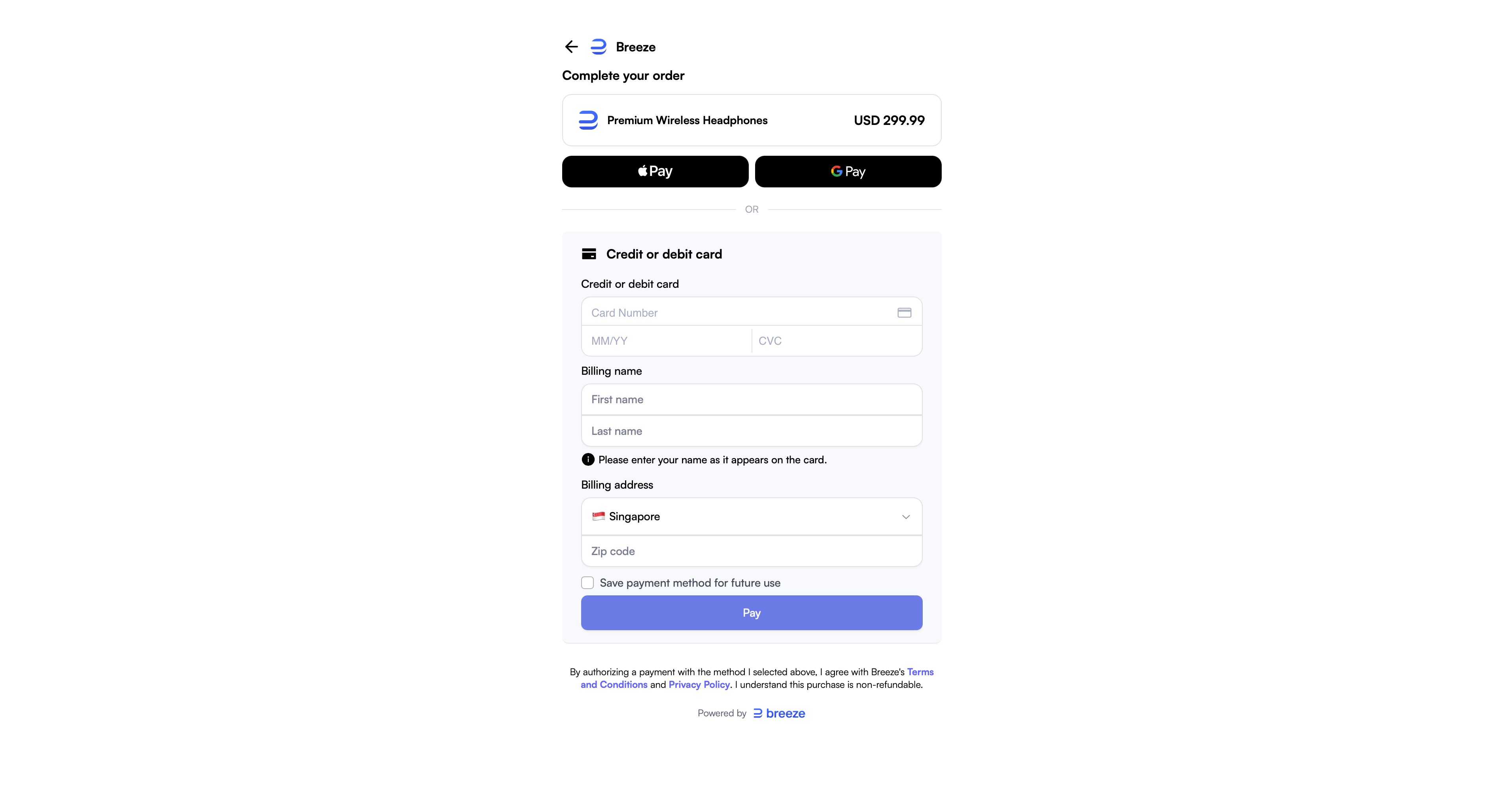
How to use Custom UIs in Your Payment Page
Breeze is constantly shipping new UI layouts to level up ease-of-use and conversion. At the moment, you can specify a context to target a layout:
webiap
Example API call:
curl -X POST 'https://api.breeze.cash/v1/payment_pages' \
  -u "YOUR_API_KEY:" \
  --header 'Content-Type: application/json' \
  --data-raw '{
    "context": "iap", // set your desired context here
    "lineItems": [
      {
        "product": "{your-product-id}", // product ID from your catalog (prd_xxxx)
        "quantity": 1
      }
    ],
    "billingEmail": "[email protected]",
    "clientReferenceId": "order-<your-unique-id>",
    "successReturnUrl": "https://your-domain.com/order-complete",
    "failReturnUrl": "https://your-domain.com/order-aborted",
    "customer": {
      "id": "<breeze-customer-id>", // pass either id or referenceId
      "referenceId": "<your-unique-user-id>"
    }
  }'
More layouts are on the way—stay tuned!
Updated 20 days ago